Legacy
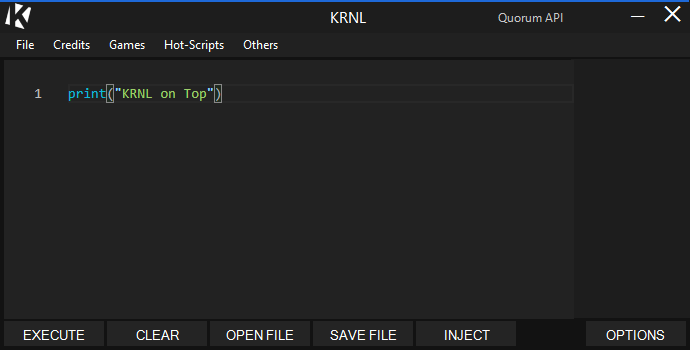
The classic KRNL layout: menu bar, blocky action row, older palette — the window you already muscle-memoried.
Download legacy UISame executor — two UI builds. Swap the window shell, keep the workflow.
The classic KRNL layout: menu bar, blocky action row, older palette — the window you already muscle-memoried.
Download legacy UI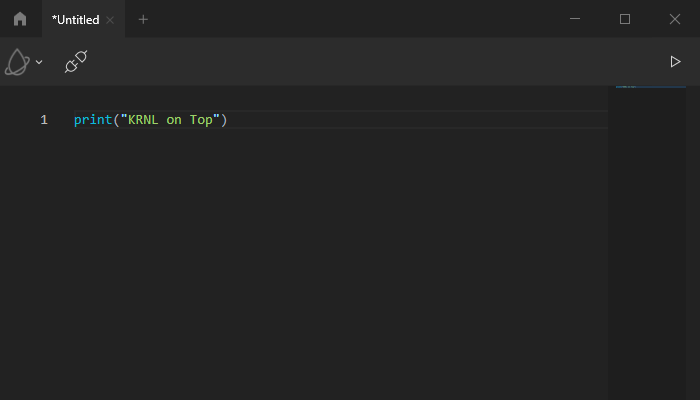
Refreshed interface — cleaner chrome, updated controls, same attach and script flow underneath. Try this for a modernized shell.
Download new UI